
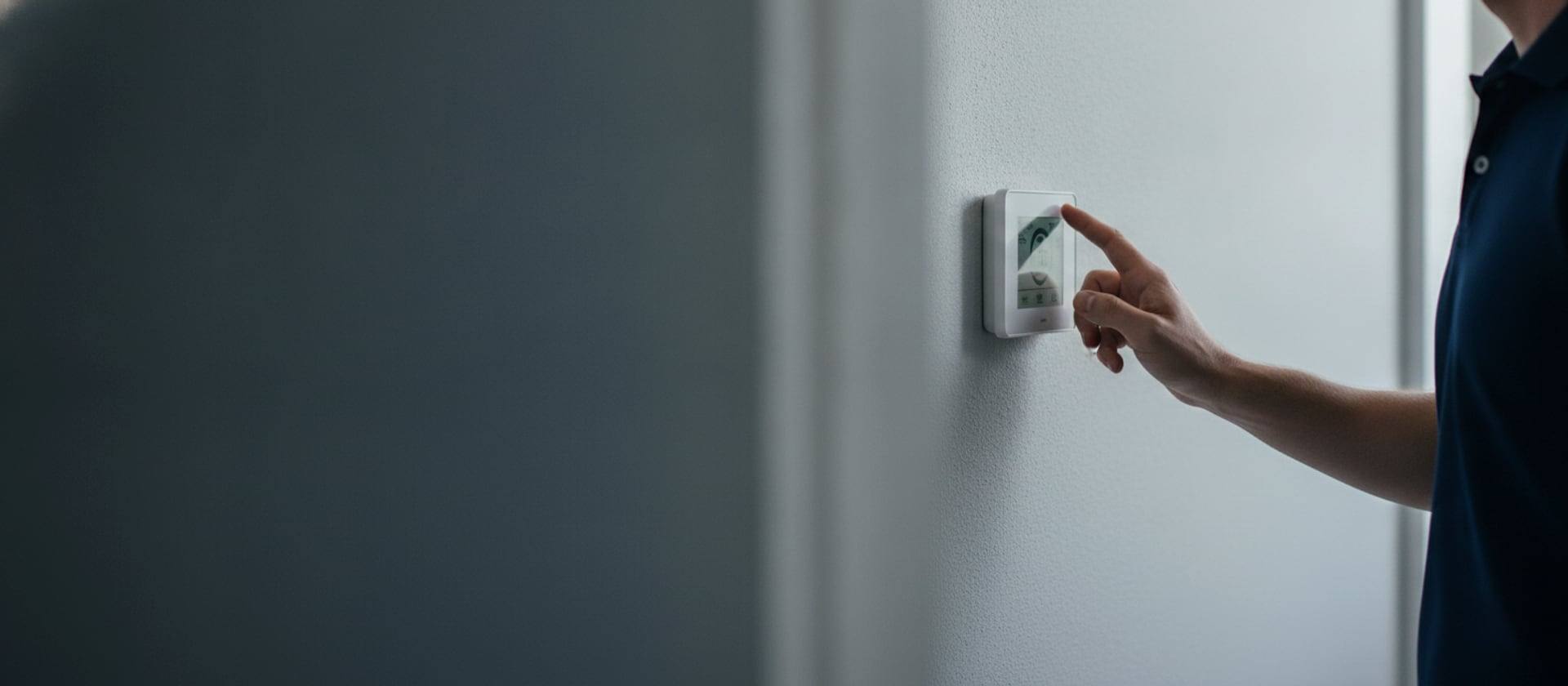
Your thermostat is dark, frozen, or just sitting there ignoring you. Before you do anything else, know this: roughly six out of ten thermostat calls we get end up being something the homeowner could have handled in ten minutes for under five bucks. The other four need a tech. The trick is figuring out which kind you have without paying for a diagnostic to find out.
So: do not call yet. Read this. The list runs from "absolutely free, takes a minute" to "you should probably call us." If you make it to the bottom and the system is still dead, you have actual information for the dispatcher rather than just "it doesn’t work."
The boring stuff first (most calls end here)
Three checks, in order, none of them costing more than a four-pack of AAA batteries.
- If your thermostat takes batteries, replace them. Not "the ones I put in last year, they’re probably fine." Fresh ones, out of the package. About a quarter of our blank-screen calls end here.
- If it is hardwired and the screen went dark, walk to the electrical panel. Find the breaker labeled FURNACE, AIR HANDLER, AC, or HVAC. If the handle is parked in the middle (tripped), flip it fully OFF, then fully ON. Trips again the second you reset it? Stop. That is a fault, not a glitch, and forcing it can damage the control board.
- Look for a wall-mounted switch that looks like an ordinary light switch right next to your air handler or furnace. That is the service disconnect. Sometimes a houseguest flips it thinking it does the garage light.
Read what the thermostat is actually saying
Half the "broken thermostat" calls we get on the phone end the second we ask the homeowner what mode it is on. The list:
- Mode is COOL for cooling, HEAT for heating. Not AUTO, not OFF
- Setpoint at least 3°F below the current room temp (for cooling) so the system has a reason to call
- Fan on AUTO. Fan ON runs the blower 24/7, which moves room-temperature air whenever cooling is not active and feels exactly like a dead AC
- Schedule not overriding you. Hold or Override pins your setpoint until you cancel
- Vacation mode off. Easy to set, easy to forget you set
Where the thermostat lives matters
Pop the cover, blow dust out with a can of compressed air or a soft brush, then look at where the thermostat is mounted. We find these placements every week and they all cause "broken thermostat" complaints:
Direct sunlight in the afternoon makes the thermostat read 6 to 10°F hotter than the room and run cooling forever. Mounted above a supply register, it reads what your system just put out instead of what the room is doing, and short-cycles. Right next to a kitchen, a return grille, an exterior door, or a fireplace, the reading bounces around all day.
Hardwired thermostats need to be moved by a tech. The cheaper fix is a wireless remote sensor: Ecobee throws one in the box, Nest sells theirs separately for around $40. Stick the sensor in a representative spot and let the wall-mounted unit ignore its own bad location.
When the wiring is the actual problem
If the easy stuff is clean and you still have nothing, the next layer is the wiring behind the faceplate. Pull the thermostat off the wall (it pops off the backplate or unscrews on the bottom edge) and look at what is plugged in.
Things you can fix yourself with a screwdriver:
- A wire that has worked itself loose under a terminal screw. Push it back in, tighten the screw
- An end that looks green or oxidized. Strip a quarter inch of fresh copper
- An Rh and Rc that should be jumpered on a single-transformer system. Most modern thermostats have a jumper switch in software; older swap-in jobs need a small piece of bare wire connecting the two
Things that are not DIY: fishing a new C-wire through a wall, replacing a blown 3-amp fuse on the control board (the fuse is $2 but if it blew once it will blow again unless someone finds the short that did it), or rewiring a 30-year-old setup where nothing is labeled. That is a tech call. Diagnostic is fixed-price $89.
The Nest and Ecobee install that broke everything
"It worked fine until I put in the Nest" is a call we run pretty much every week. The four classic causes, in order:
- No C-wire. Nest will run on power-stealing trickery in many setups, but during long cooling cycles it browns out. Symptom is intermittent: works in the morning, dead by 3pm
- Heat pump miswired as conventional. Heat pumps need the O/B terminal connected for the reversing valve. Skip it and the system literally runs backwards
- Two-stage or variable-speed equipment paired with a single-stage smart thermostat. The system runs at low stage only, you lose 20 to 30% of capacity
- The Rh/Rc jumper got removed during the swap and never replaced
Ecobee ships a Power Extender Kit specifically because they got tired of the C-wire calls. Use it if your existing wiring is old. Nest has a compatibility checker in their setup app, run it before you buy, not after.
Is it the thermostat or is it the equipment?
This is the test that decides whether you spend $30 on a thermostat or $1,500 on a contactor and capacitor and labor. Do not skip it.
At the thermostat, switch to COOL, drop the setpoint 5°F below room temp. Listen. The outdoor unit should kick on within 60 seconds, the indoor blower within 90, and you should feel cool air at a vent inside two minutes. If nothing happens at all, the problem might be either side.
To narrow it down, walk to the air handler and open the cabinet. Find the terminal block with R, Y, G, W, and C. With the system powered, briefly touch a stripped piece of wire from R to Y (this calls cooling) and from R to G (this calls fan). If the system runs from the jumper but not from the thermostat, the thermostat is the problem. If nothing runs from the jumper either, the issue is downstream, capacitor, contactor, control board, compressor, and you are done DIY-ing. Walk-through: why is my AC not blowing cold air.
Honest caveat: this test puts you within reach of 24V and sometimes line voltage. If working in a live cabinet feels wrong, it is. Skip the test, call us, $89 diagnostic.
Time to retire the thermostat
Replace rather than diagnose when:
- It is a mercury-bulb or bimetallic strip from before 1995. Drifts 3 to 5°F off, and if mercury, has to go to hazmat disposal anyway
- The display is fading, buttons are unreliable, or the thing freezes daily
- A smart thermostat has persistent connectivity issues after a firmware update and a factory reset did not fix it
- It does not match your equipment, single-stage thermostat on a heat pump or variable-speed setup
What you actually pay:
- $25 to $50 buys a basic non-programmable. Fine for rentals
- $45 to $80 gets you a decent programmable like the Honeywell T4 or Emerson Sensi base
- $120 to $180 is the entry-level smart sweet spot, Ecobee 3 Lite, Honeywell T9, Sensi Touch
- $200 to $300 is full-featured, Nest Learning, Ecobee SmartThermostat with voice
For a typical SoCal AC and gas furnace, $150 to $250 in hardware is enough features to use the energy-saving programming and not so many you ignore half of them.
When to stop and call us
Stop here if the breaker trips repeatedly the second you reset it, the low-voltage fuse blew twice, you cannot identify what wires go where on a thirty-year-old thermostat backplate, your new install runs the system backwards, or you have done everything above and the equipment still will not respond. Same-day across SoCal at (424) 766-1020, fixed $89 diagnostic, written quote before we touch anything.
Call Venta Heating and Cooling at (424) 766-1020 for same-day diagnosis. We figure out the wiring, confirm equipment compatibility, and get the install right. CSLB #1138898 (C-20).
Related reading
- Why is my AC not blowing cold air? 7 causes and fixes
- AC repair service and annual maintenance plans
- Frozen evaporator coil, causes and fixes
- If the AC itself will not respond: contactor, fan not spinning, compressor replacement