
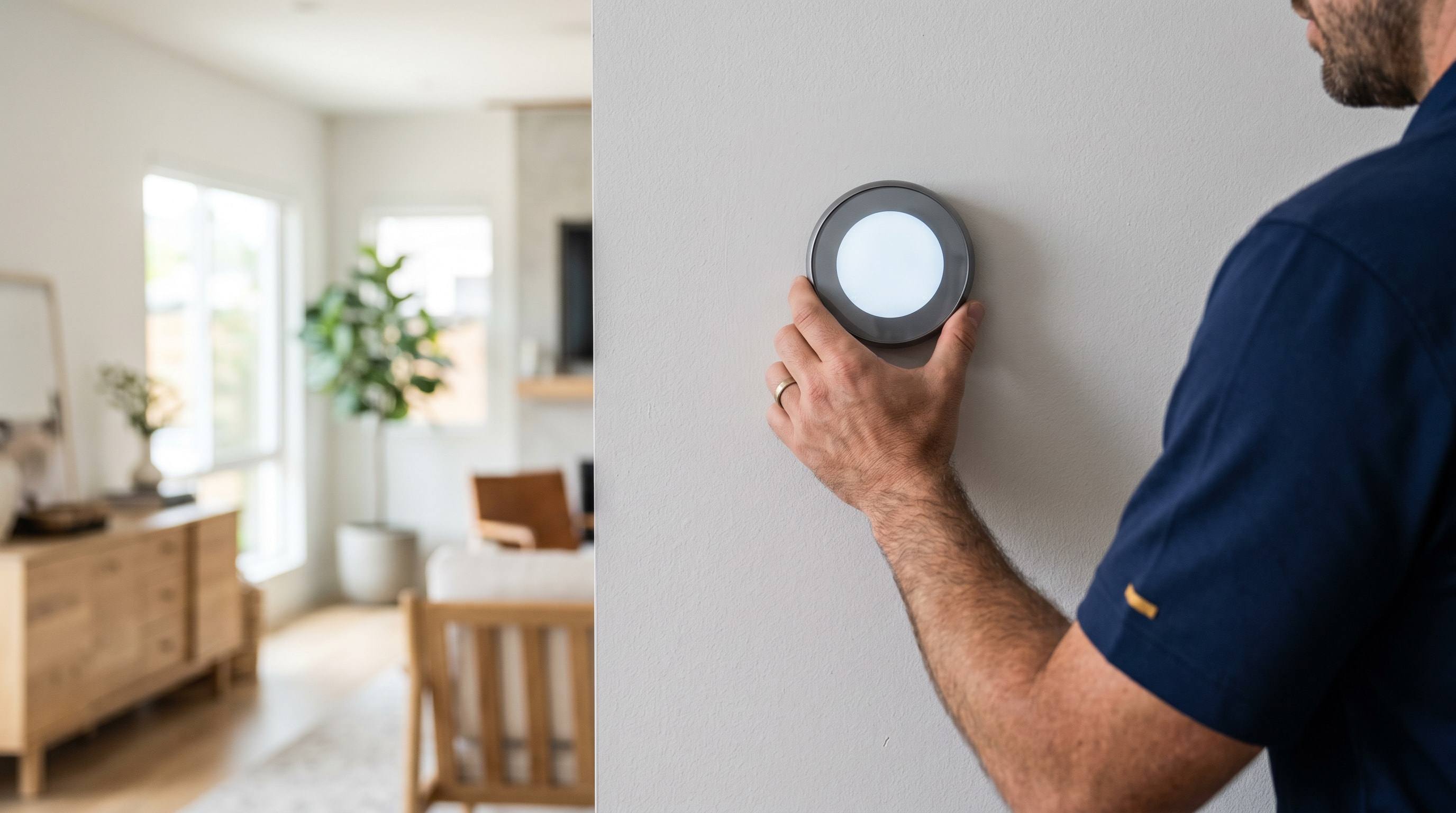
Smart thermostats are one of the few HVAC upgrades that pay for themselves on a residential bill — 8–12% reduction on heating and cooling, payback in 18–30 months in most LA homes. The catch is that the install on an older Southern California home is rarely as simple as Google’s YouTube videos make it look. The thermostat wire run in a 1962 Granada Hills tract was a 4-conductor cable with no C, the screw terminals on a 1979 Carrier furnace board don’t map cleanly to a Nest, and dropping a Nest on a Carrier Infinity system is an active downgrade. We do this install three or four times a week across the five counties and we’ll tell you what fits your equipment before we sell you the wrong box.
On this page: Smart thermostat installation · Smart thermostat repair · Pricing · Brand compatibility matrix · Service area
Smart thermostat installation
The four brand families we install across LA, in rough order of how often we put them in:
Google Nest Learning Thermostat (3rd and 4th gen)
The default choice for most homeowners. The 4th gen (released late 2024) finally added native Matter support and a real temperature sensor on the device, fixing the 3rd gen’s biggest weakness. Auto-learning schedule, works with Google Home and Apple Home, $279 retail. We install 60–90 minutes if the wiring is clean, longer with a C-wire add. Compatible with most 24V single-stage and 2-stage residential systems, including dual-fuel heat pumps when properly wired. Not the right choice for variable-capacity communicating systems — see compatibility matrix below.
Ecobee Smart Thermostat Premium / Enhanced
The technical user’s pick. Premium ($249) ships with a wireless room sensor and built-in air-quality monitoring (VOC + CO2). Enhanced ($189) skips the sensor and air-quality module. Both expose detailed runtime data you can actually analyze — runtime per stage, outdoor temp at each setpoint change, humidity. Better for owners who care about staging on a 2-stage system. Works with Apple Home, Google Home, and Amazon Alexa. We see Ecobee outperform Nest on multi-room temperature evenness because the wireless sensors actually balance the call, not just the wall location.
Honeywell T9 and T10 Pro
The reliability pick, particularly for owners who don’t want a tech-company product. T9 (residential, $179) and T10 Pro (commercial-grade build, $219) both ship with a Honeywell room sensor and broad compatibility with older Honeywell zone panels — useful in 1990s LA tract homes where the zone board is already a Honeywell Truezone. The screen interface is less polished than Nest or Ecobee, but the radio and HVAC integration are rock-solid. 45–75 minute install on standard wiring.
Mysa, Sensi Touch, and other niches
Mysa is purpose-built for line-voltage systems — if your house has electric baseboard or in-ceiling radiant cable (some 1970s San Fernando Valley and Ventura County homes), it’s one of the few smart options that handles 120V/240V directly. Emerson Sensi Touch (~$169) is a budget-friendly low-voltage option with a touchscreen and good HomeKit support. We stock both on request but they’re less than 5% of our installs.
The C-wire problem in older LA homes
This is the single most common reason a homeowner’s self-install fails. The C-wire (“common”) is the conductor that completes the 24V circuit and provides continuous power to the thermostat. Older mercury-bulb and basic digital thermostats didn’t need one — they only switched the heat or cool call (W or Y wire) and used the building’s natural electrical return. A Nest or Ecobee, by contrast, has a screen, a WiFi radio, and a processor that all need real, continuous power.
Pull your thermostat off the wall. Look at the screw terminals on the back of the unit. If you have wires landed on R (red, power), W (white, heat), Y (yellow, cool), G (green, fan), and a fifth wire on C (often blue or black), you’re fine — install proceeds normally. If C is empty, you have three options:
- Pull a new C-wire from the air handler. Best long-term solution if there’s a clean wiring path. $185–$385 added to the install, depends on attic access.
- Install a power-extender kit (PEK) at the air handler. Nest ships one (Nest Power Connector), Ecobee ships one (PEK). It piggybacks power onto the existing wires by using the fan or heat call cycles. Adds a small box at the furnace. $185–$285, our most common solution.
- Add a 24V plug-in transformer. Cheapest at $85–$185, but it puts a wall-wart somewhere visible and is the least clean option.
About 60% of LA homes built before 1985 don’t have a C-wire at the thermostat. Pasadena bungalows, Sherman Oaks ranch homes, and pre-1980 Eichlers in Burbank all fall in this group. We carry both Nest and Ecobee adapter kits on every truck.
Compatibility for communicating systems
This is the most important sentence on the page if you have a higher-end system: Carrier Infinity, Lennox iComfort, Trane ComfortLink, and Bryant Evolution are communicating systems, and they require their OEM thermostats — not a Nest, not an Ecobee, not a Honeywell.
What “communicating” means: the indoor unit, outdoor unit, and thermostat are all on a 4-wire data bus (typically labeled ABCD), and they share data on stage selection, capacity, blower speed, and fault codes in real time. The thermostat isn’t just sending a “cool, please” signal — it’s actively coordinating modulation across both ends of the system.
When you put a Nest on a communicating system, you hook it up to the basic 24V backup terminals (R/W/Y/G/C) that the equipment provides for installer-default operation. The Infinity now runs as a single-stage dumb system. You lose modulation. You lose staging logic. You lose every fault code the system was designed to report. Real-world result on a Carrier Infinity heat pump we audited in Sherman Oaks: 18% seasonal efficiency drop and three nuisance lockouts a winter that the OEM Infinity Touch would have handled silently. The Nest came off, the SYSTXCCITC01-A went back on. See Carrier, Lennox, Trane.
Smart thermostat repair
Five symptom patterns cover roughly 90% of repair calls:
No power, blank screen. Almost always either a C-wire dropout (the adapter at the air handler quit, the new C-wire run failed at a splice) or a blown low-voltage fuse inside the furnace control board. The fuse is a 3-amp glass automotive-style fuse, ~$5 part, $45–$185 fix with inspection of what blew it. If it’s the third fuse this season, you have a short somewhere in the thermostat wire and we need to find it. Replacement: $45–$185.
Won’t connect to WiFi. Two-thirds of these are router-side. The Nest 3rd gen and earlier only join 2.4 GHz networks — if your router upgraded to a 5 GHz-only setup or your ISP did a forced router replacement, the thermostat falls off the network. We re-enable or split the 2.4 band, or in some cases re-flash the thermostat firmware. The Ecobee handles WPA3 more reliably than the Nest. Repair: $145–$245.
Heat or cool calls but the unit doesn’t respond. The thermostat says “cooling” but the condenser never kicks on. Two possibilities: the relay inside the thermostat itself failed (rare on Nest and Ecobee, more common on older Honeywell), or the low-voltage transformer feeding the thermostat has gone weak and isn’t supplying enough 24V to close the contactor. We test transformer output under load and the contactor coil resistance. Transformer replacement: $185–$345.
Frequent disconnects and dropouts. Usually a physical wiring problem — the most common in LA is rat damage to the thermostat wire where it runs through the attic. Rodents chew the insulation off, the bare conductors short intermittently against the staples, and the thermostat reboots every time. Conduit damage and corroded splices behind the wall plate are the other two. We trace the wire run and either repair the damaged section or pull a new run. See AC repair for related condenser-side issues.
Reading the wrong temperature. The thermostat says 68 but the room is 74. Two causes, both placement-related: the thermostat is in direct sunlight at some point in the day (afternoon western exposure is brutal in Pasadena and the SGV), or it’s mounted near a return register and reading the return-air mix instead of the room. The third cause is calibration drift on an older unit. Calibration is a settings tweak; relocation is a real fix that runs $245–$485 because we’re pulling new low-voltage wire to a better spot. The Ecobee Premium’s wireless room sensors can patch this without re-running wire — that’s often the cheaper path.
Pricing
Honest pricing on thermostat work, parts and labor included. Real ranges from our service tickets across the five counties:
| Repair / install | Typical cost | Time |
|---|---|---|
| Diagnostic visit | $89 (waived with repair) | 30–60 min |
| After-hours diagnostic | $149 | 30–60 min |
| Thermostat replacement (no upgrade) | $145–$285 | 45–60 min |
| Basic 1-stage thermostat install | $185–$285 | 45–60 min |
| Nest 4th gen install | $385–$585 | 60–90 min |
| Ecobee Premium install | $485–$685 | 60–90 min |
| Communicating thermostat (Carrier Infinity, etc.) | $585–$985 | 90–120 min |
| 2-stage / heat pump thermostat upgrade | $245–$485 | 60–90 min |
| C-wire adapter installation (PEK) | $185–$385 | 60–90 min |
| WiFi troubleshooting | $145–$245 | 30–60 min |
| Low-voltage transformer replacement | $185–$345 | 45–60 min |
| Low-voltage fuse + wiring inspection | $45–$185 | 30–45 min |
| Thermostat wire repair (limited length) | $185–$485 | 1–2 hr |
| New thermostat wire pull (attic to wall) | $485–$985 | 2–4 hr |
A note on LADWP rebates: the ENERGY STAR smart thermostat rebate ($50–$75) is still active in 2026 for single-family customers in LADWP territory. Homeowner files post-installation with the model number and our invoice. The federal Section 25C tax credit (which previously included smart thermostats as part of qualifying envelope upgrades) terminated December 31, 2025 under the One Big Beautiful Bill Act — 2026 installations are not eligible. See our 2026 rebate guide.
Composite example: 1962 Eichler, Granada Hills
Owner wanted a Nest 4th gen. The house had a 3-ton Goodman split system installed 2018, but the thermostat wiring was the original 1962 4-conductor cable: red, white, yellow, green. No C. The owner had tried installing the Nest himself the weekend before and it kept rebooting after 20 minutes because the battery trickle-charge from heat-call cycles wasn’t keeping up.
We installed the Nest Power Connector at the air handler, landed it on the existing wires (the PEK uses Y and the fan call to extract a stable C-equivalent), verified 24V across R and C at the thermostat under load, mounted the Nest, paired it to the home WiFi, and configured the schedule. Total time on site: 75 minutes. Total cost: $585 ($385 Nest install + $185 PEK + tax, rounded). The owner’s two original complaints — temperature drift between bedrooms and a schedule that wouldn’t hold — both went away in one visit. The Goodman is a single-stage system that the Nest handles cleanly.
Brand compatibility matrix
What thermostat works with what equipment. If your system shows up in the first column with a specific OEM thermostat name, you need that one — a Nest will technically work but will downgrade the system.
| Your system | Required thermostat | Nest / Ecobee OK? |
|---|---|---|
| Carrier Infinity | Infinity Touch Control SYSTXCCITC01-A | No — downgrade |
| Bryant Evolution | Bryant Evolution Connex | No — downgrade |
| Trane / American Standard XV / XL | Trane ComfortLink II XL824 or XL850 | No — downgrade |
| Lennox iComfort | Lennox iComfort S30 | No — downgrade |
| Standard 1-stage / 2-stage non-communicating | Any 24V smart thermostat | Yes — Nest, Ecobee, Honeywell all fine |
| Heat pump (non-communicating) | Nest, Ecobee, Honeywell T9/T10 (with O/B wire configured) | Yes — verify O/B configuration during install |
| Line-voltage electric (baseboard, ceiling cable) | Mysa | No — Nest/Ecobee are 24V only |
Honest opinion on Nest vs the OEM thermostat
Nest is a beautiful product on a single-stage system. The interface is the best in the industry, the auto-scheduling actually works after a couple of weeks of use, and Google Home integration is genuinely useful. On a 2-stage Carrier or a communicating Trane, putting a Nest on it is a downgrade — you lose modulation logic, you lose fault diagnostics, and the system runs less efficiently. We’ve had homeowners insist on the Nest, install it, and call us back six months later asking why their utility bill went up. The thermostat needs to match what the equipment actually supports. If your equipment is communicating, install the OEM thermostat. If it’s single-stage or 2-stage non-communicating, pick the Nest, Ecobee, or Honeywell that fits how you want to interact with it.
Service area & response times
Smart thermostat install and repair across all five Southern California counties. Each region runs from its own dispatch line so calls don’t bounce:
| Region | Response time | Phone |
|---|---|---|
| West LA, Westside | 60–120 min | (424) 766-1020 |
| Pasadena, San Gabriel Valley | 60–120 min | (626) 499-5530 |
| Thousand Oaks, Ventura County | 90–150 min | (805) 977-9940 |
| Irvine, Orange County | 60–120 min | (949) 785-5535 |
| San Bernardino, mountains | 90–180 min | (909) 757-6455 |
| Riverside, Inland Empire | 90–180 min | (951) 744-9188 |
Related services: AC repair, furnace repair, HVAC maintenance, heat pump installation. City pages: Pasadena · Sherman Oaks · Burbank.
Schedule smart thermostat service today
Most installs scheduled before 2 PM go in the same day. Call your regional dispatch number above, or use our free estimate form for a written compatibility check before we touch your equipment. CSLB License C-20 #1138898. Licensed, bonded, insured. Serving Los Angeles, Orange, Riverside, San Bernardino, and Ventura counties.